Quick answer: Google AI Mode shopping combines Gemini with Google’s Shopping Graph, a database of more than 50 billion product listings, to answer shopping questions with curated product panels instead of a list of links. Products appear when Google has complete, accurate data for them, mostly from Merchant Center, plus strong reviews and pages that explain who each product is for. Agentic checkout and virtual try-on are adding new ways for shoppers to buy without browsing store by store.
Key Takeaways
- The Shopping Graph is the source. AI Mode pulls products from Google’s Shopping Graph, which holds more than 50 billion listings, with more than 2 billion refreshed every hour.
- Query fan-out finds niche products. AI Mode splits a shopping question into several searches, so products that match specific needs can surface even without top rankings.
- Merchant Center data decides eligibility. Missing identifiers, price mismatches, and disapprovals can keep products out of AI results.
- Agentic checkout is rolling out. Shoppers can track a price and let Google buy with Google Pay when it drops, using the Universal Commerce Protocol.
- Free listings still matter. Standard Google Shopping listings are free, so organic product visibility doesn’t require ad spend.
How Google AI Mode Shopping Works
When someone asks AI Mode a shopping question, such as “a travel bag for a rainy week in Portland,” Gemini works out what matters for that need, like water resistance and capacity, and runs several searches at once to cover each consideration. This is called query fan-out. It then shows a visual panel of matching products from the Shopping Graph, with prices, reviews, and availability, alongside a written explanation that the shopper can refine with follow-up questions.
Because the answer is built around the shopper’s specific needs, products with detailed attributes and clear use cases have more chances to match. A generic title and a thin description give AI Mode little to work with. For a deeper look at how AI Mode differs from AI Overviews, see our AI Mode vs AI Overviews guide.
The AI Shopping Features Ecommerce Brands Should Know
| Feature | What it does | What it means for your store |
|---|---|---|
| Conversational product discovery | Shoppers describe what they need and refine it in follow-up questions | Detailed attributes and use cases help products match specific requests |
| Visual browse panel | Shows images and listings that update as the conversation narrows | Clean, high-resolution images on neutral backgrounds stand out |
| Virtual try-on | Shoppers see apparel on a photo of themselves | Apparel brands need accurate images and product data for each listing |
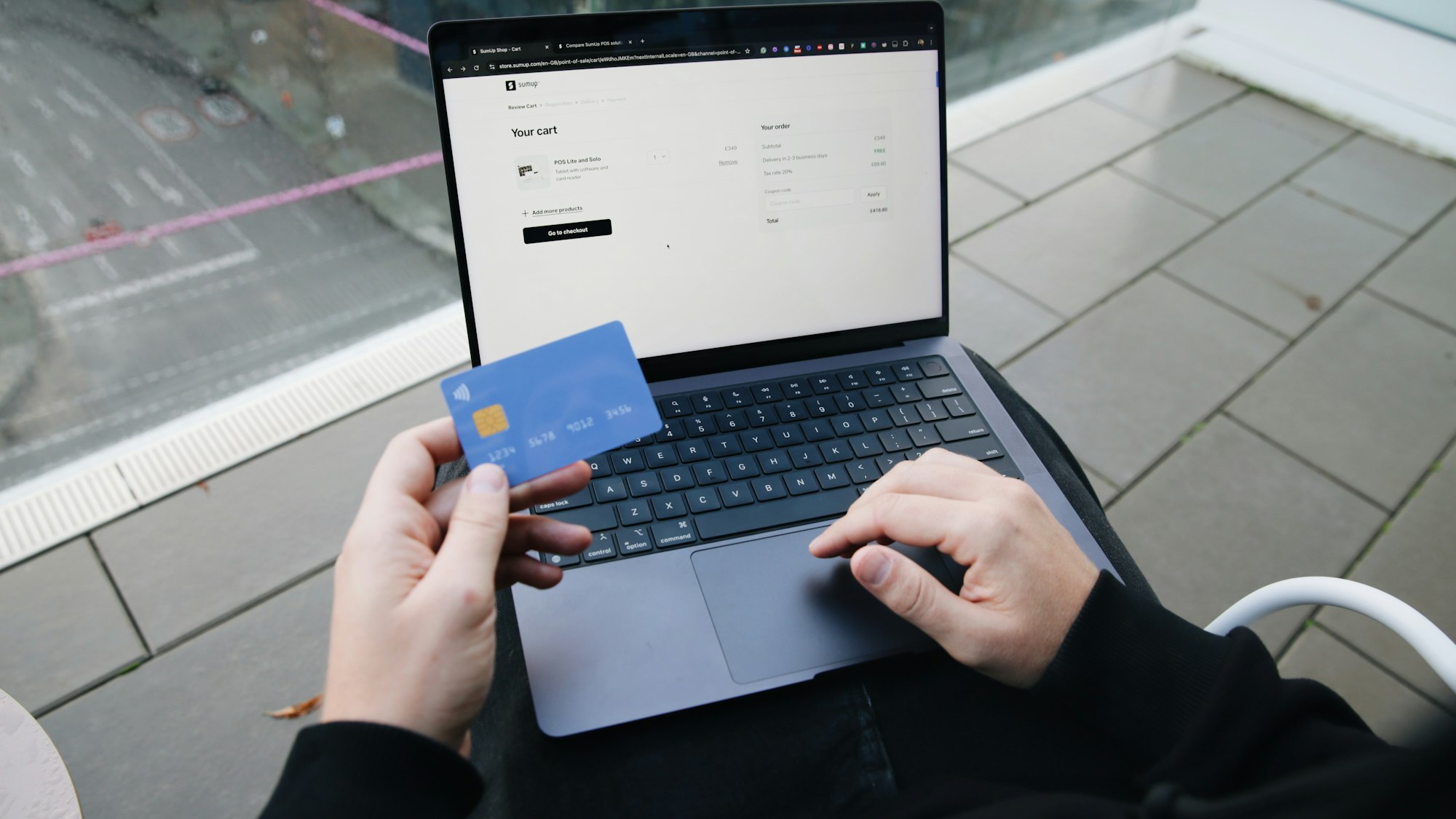
| Price tracking and agentic checkout | Shoppers set a target price; Google can add the item to your cart and check out with Google Pay | Accurate prices and stock, plus a checkout that supports the Universal Commerce Protocol |
Agentic checkout runs on the Universal Commerce Protocol, an open standard co-developed by Google and Shopify, and Shopify stores are enabled by default. It has been rolling out in the U.S. and may not be available for every merchant yet.
What Decides Whether Your Products Show Up
- Complete Merchant Center data: every required and recommended field, Google product categories, and identifiers such as GTINs or MPNs.
- Accurate price and availability: mismatches between your feed and your site are a common cause of disapprovals, and disapproved products can’t appear in AI results.
- Descriptive titles: brand, product type, and key differentiators such as material, size, or use.
- Descriptions that explain use: who the product is for, when to use it, and how it compares, in plain language.
- Reviews: ratings and review text feed into comparisons and recommendations.
- Structured data on your site: product schema that matches your feed helps Google confirm details.
A 6-Step Plan to Optimize for AI Mode Shopping
- Connect and clean Merchant Center. Make sure your full catalog syncs and fix every item in the Diagnostics tab.
- Fill missing attributes. Prioritize identifiers, color, size, material, and product category for your top sellers.
- Rewrite your top 50 titles and descriptions. Lead with what the product is and who it’s for, then the details that set it apart.
- Upgrade images. Use multiple angles, high resolution, and no placeholder or watermarked images.
- Grow reviews. Ask for reviews that mention specific uses, and respond to them.
- Check your checkout readiness. If you’re on Shopify, confirm agentic checkout settings; otherwise ask your platform about Universal Commerce Protocol support.
Product feeds sit at the center of all of this. Our product feed optimization guide walks through each field, and our older guide to listing products on Google Shopping for free covers the free listings basics.
How to Measure AI Mode Shopping Performance
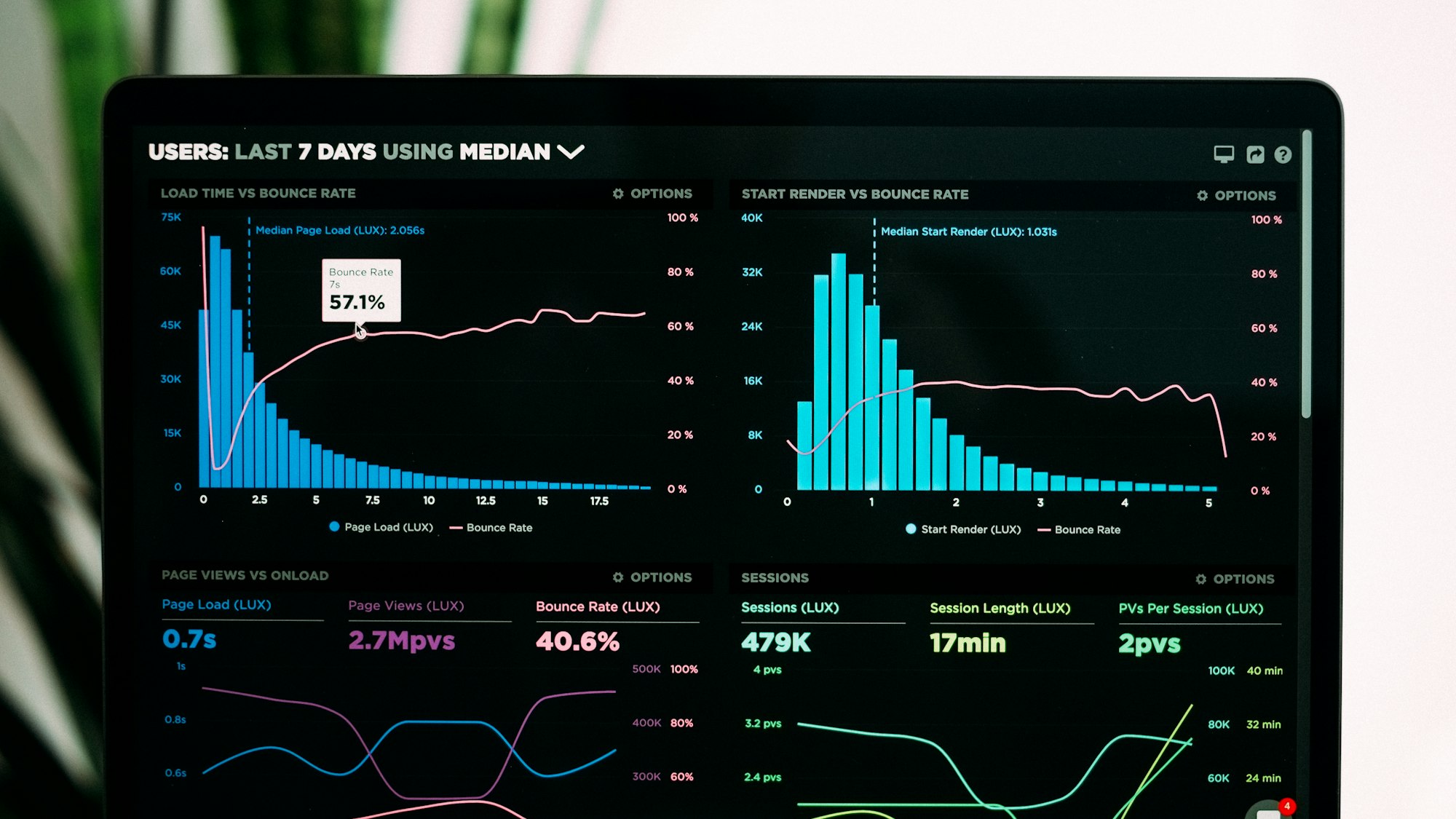
Search Console reports AI Mode activity alongside your other Google Search data, and Merchant Center shows how your products perform across Google surfaces. Add a monthly check of 20 to 30 shopping questions in AI Mode to see which of your products appear and which competitors show up instead. Our AI search visibility tracking guide covers tools that automate this.
Win AI Shopping Visibility With National Positions
National Positions is a Google Premier Partner that helps ecommerce brands get their products in front of shoppers across Google AI Mode, Google Shopping, and other AI shopping experiences. Book a call to review your product data and AI visibility, or see our AI search optimization services.
Frequently Asked Questions
Where does Google AI Mode get its shopping results?
From Google’s Shopping Graph, which contains more than 50 billion product listings with prices, reviews, and availability. Most merchants feed it through Google Merchant Center.
Do I need to pay for ads to appear in AI Mode shopping?
No. Standard Google Shopping listings are free. Paid campaigns such as Performance Max are optional and separate from organic product visibility.
What is agentic checkout in Google?
It lets a shopper track a product’s price and have Google add it to the merchant’s cart and check out with Google Pay when the price drops, after the shopper confirms. It runs on the Universal Commerce Protocol and has been rolling out in the U.S.
Why aren’t my products showing in AI Mode?
The most common reasons are Merchant Center disapprovals, missing identifiers or attributes, price or availability mismatches, and thin titles and descriptions that don’t match what shoppers ask for.
Sources & References
- Google: Shopping in AI Mode and virtual try-on (May 2025)
- Shopify: Google AI Shopping Features (April 2026)